Getting Started
Four taps and the AI is trading memecoins on your behalf. No install, no accounts, no charts to read — everything happens inside Telegram.
What you need
- A Telegram account (mobile or desktop)
- A native token to deposit (SOL, ETH, BNB, or anything we support)
- That's it. No downloads, extensions, or signups.
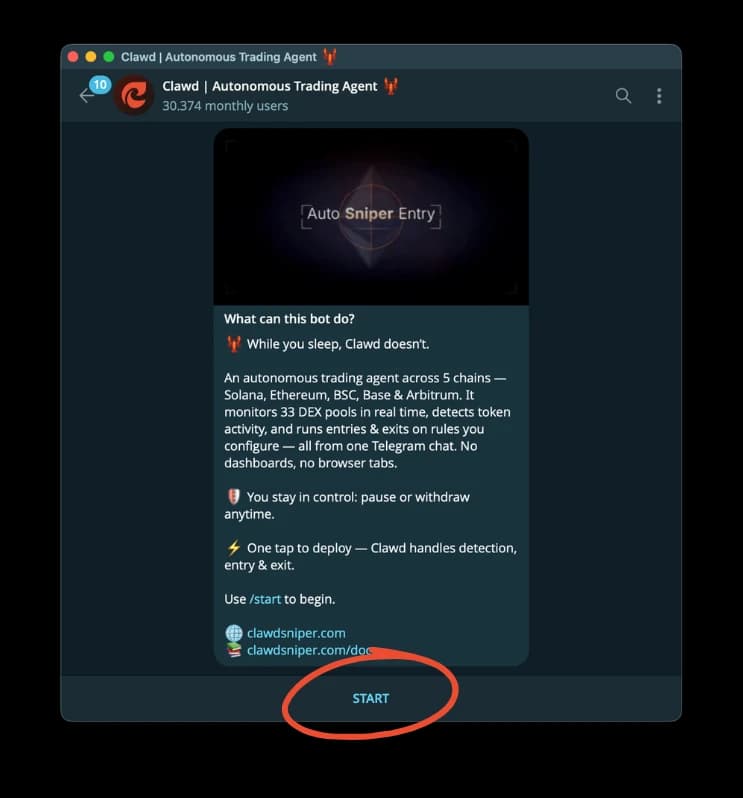
Open the bot
Send /start to @ClawdTradingAI_Bot on Telegram. A wallet is generated for you right there in the chat.
No app install. No browser extension. No API keys. Works the same on phone, desktop, and web Telegram.
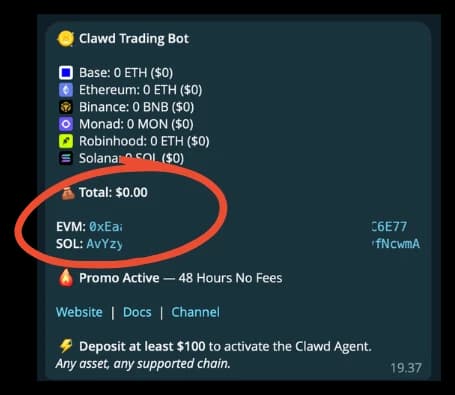
Deposit
Two addresses cover all seven chains: one Solana address, one shared EVM address for Ethereum, BNB Chain, Base, Monad, Robinhood Chain, and Arc. Deposit at least $100 to activate.
Your private key is yours — exportable anytime. Deposits land within seconds and the bot confirms the amount in your chat with the live USD value.
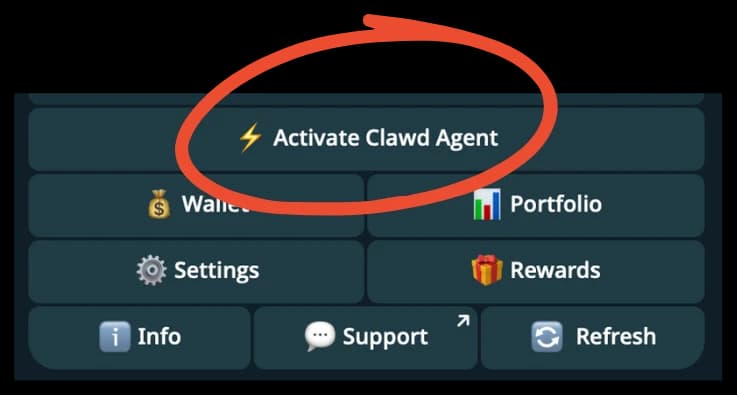
Activate the agent
Open the bot menu and tap Activate Clawd Agent. That's the only switch you flip.
No settings to tune before your first run — sensible defaults are already on. Fine-tune later from /settings if you want.
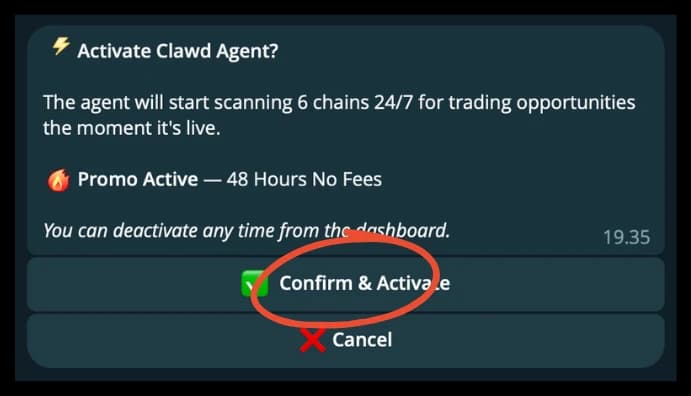
Confirm, and let the AI trade
Tap Confirm & Activate. The AI immediately starts watching the market 24/7 — meme launches, smart-money moves, cross-chain spreads — and trades on your behalf.
Every entry, exit, and PnL update arrives in your chat as it happens. Pause or take manual control any time from the menu.